The requirements under Agile development will not be any different, but when. This will either turn into a nightmare or a chance of the designers of the UI/UX. It lies in the structure of the design process. The product will not be shaky, inconveniencing, and difficult to modify even though the requirements are to be changed as it is planned by a well-planned UI/UX.
Shaping a Reusable Foundation
In Agile as a UI/UX designer, one of the most intelligent things I would do will be to develop default design items, which will be uniform throughout the product. These reusable units which are buttons, input fields, modals, and patterns of navigation are the DNA of the design system.
- They are also useful in time savings as they do not need to rework each time they start off on a sprint.
- They offer a visual homogeneity of the product.
- They make the task of the developers easier because they would not be required to go through the new design repeatedly.
And consider it to be the creation of a design language, which never loses its grammar, but gains it.
Paper to Prototype Drafting Process
In Agile, speed matters. That is why it is better to start with rough drafts and plunge into tools.
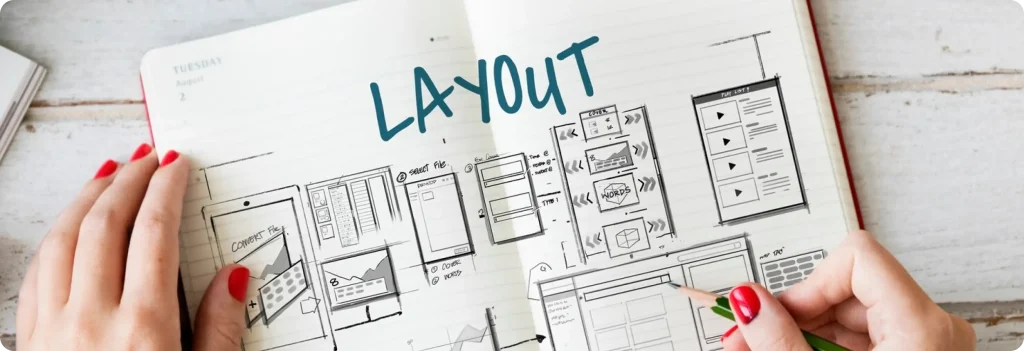
Step 1: Paper and pencil, Plus Raw and unrefined test of user flows and positioning of constituents.
Step 2: Low-fidelity wireframes: Finding meaning without thinking of design.
Step 3: Illustrate drafts in working interfaces with the help of Figma prototyping.
It implies that this stratified design suggests that the designs will be tested during the early phases and will be enhanced later during the extensive rework costs will be saved in the long-term.
Case in Point: Ellomed
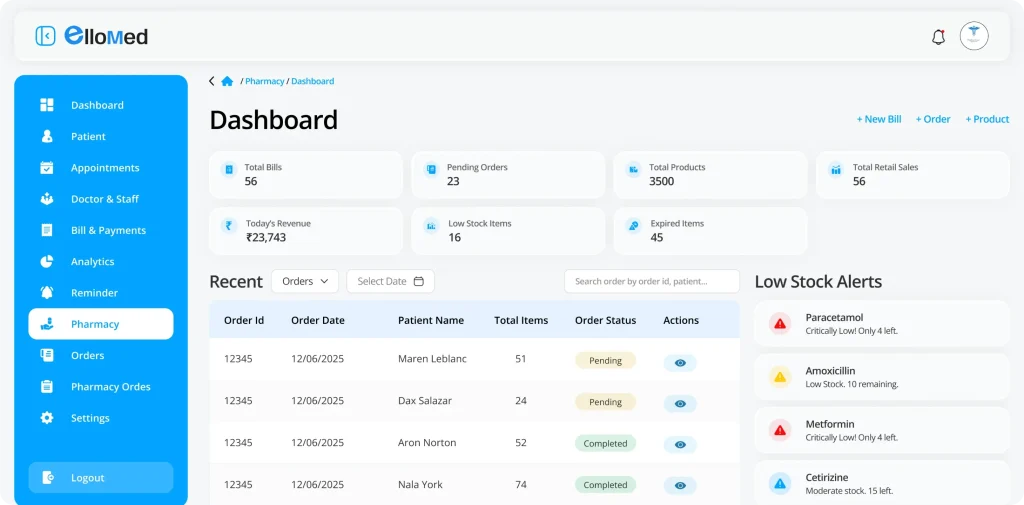
In the case of Ellomed (a system of Electronic Health Records), the project was originally created with a straightforward concept of managing the physicians, clinics, and appointments. However, according to Agile, the requirements continued to be updated, such as pharmacy integration, patient documents, inventory management, etc.
UI/UX coordination helped in keeping the system on track; it did so in the following manner:
- Reusable Components: We specified the standard fields, dashboard cards, buttons, alerts, etc. They did not improve on their components by reusing them when introducing new features. This enhanced the integration as well as productivity of the UI.
- Stability Over Adaptability: The evolving needs did not bring about the destruction of the already existing module but how to insert the other modules and not to completely break down the existing one.
- A good disposition to the user: The designs were all tested on a real user need basis. A case in point is in the pharmacy module where the date of drugs was automatically highlighted in red where it had expired. It was not all that was related to the aesthetic element, but simplifying and accelerating working processes.
Concisely, the need to start afresh was not the foundation of the sound basis of design adaptability.
Ideas of Agile Best Practices of UI/UX Designers
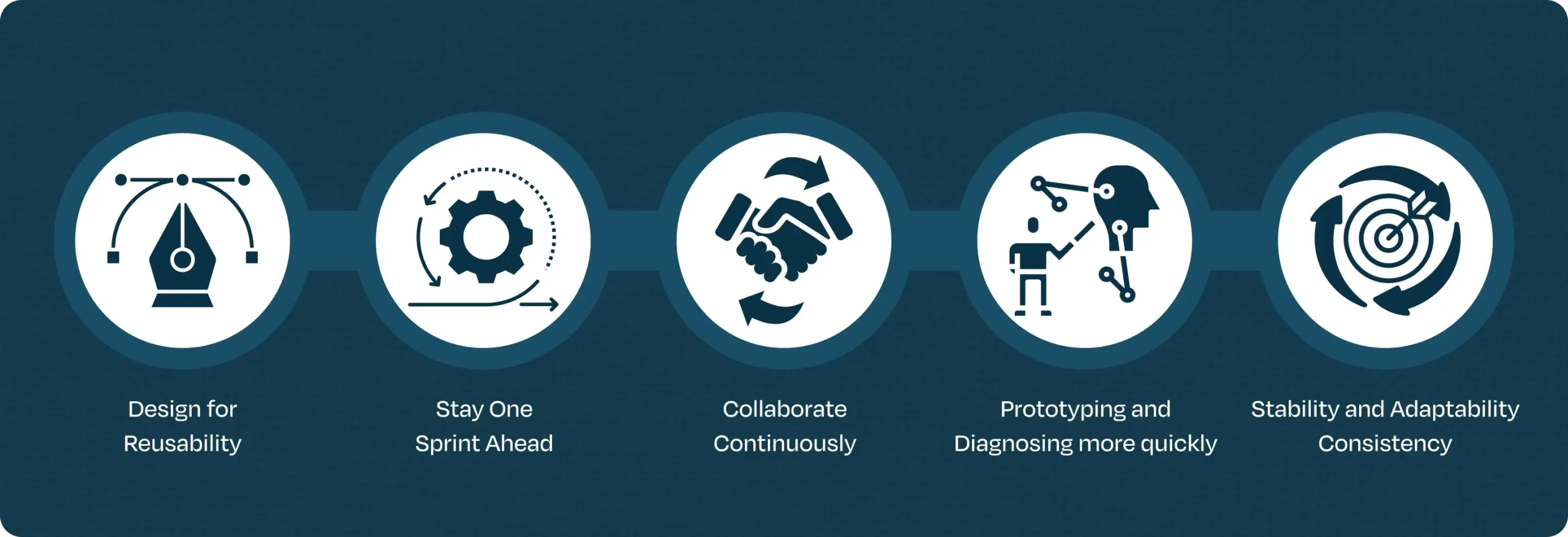
- Design for Reusability: Early analysis of component library. Imagine it to be your LEGO box, you can do anything with it, but the pieces are the same.
- Stay One Sprint Ahead: Plan the next sprint as the current one being developed. This will make sure that it is not rushed.
- Collaborate Continuously: Keep up with BAs, developing and testing. Five minutes talk will save five days of re-work.
- Prototyping and Diagnosing more quickly: The correct moment will never be to wait, to get feedback regarding drafts, and to click prototypes whenever it is possible.
- Stability and Adaptability Consistency: These design principles must be accommodated to cater to the new needs in a non-imposing manner.
Conclusion
Agile does not require the presence of UI/UX coordination in order to make interfaces appealing. It is concerning the way of developing systems that could fit the change and still remain themselves. The designers are able to cope with the challenges that occur due to change of requirements, which they could center on reusable components, draft-first design, and constant teamwork, hence, transform it into an opportunity, rather than a failure.
Practical experience with enterprises indicated that structured UI/UX causes agility to become a natural process – and the final result is not only an efficient system, but also a stable and easy to use system, coupled with being able to survive into the future.
Transform your UI/UX collaboration with Agile best practices. Ellocent Labs offers tailored workshops and hands-on support. Get started now for more efficient, adaptable interfaces.